
The composition of the configuration software of Kunlun MCGS embedded version
Published:2022-12-29 16:17:25
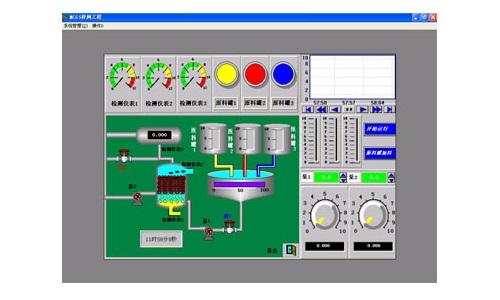
The user system generated by MCGS embedded version is composed of five parts: main control window, device window, user window, real-time database and operation strategy.
1, the main control window: the structure of the main structure of the system. It is used to configure the parameters related to the whole project. It can set the cover window, the permission of running the project, the startup screen, the memory screen, the reserved disk space, etc.
2, equipment window: is the introduction of the system and external equipment contact. Specially used to place different types and functions of equipment components, complete the operation and control of external equipment. The device window collects the data of the external device through the device component, sends it to the real-time database, or outputs the data in the real-time database to the external device.
3. User window: The "visualization" of system data and process has been completed. All visual interfaces in the project are built in the user window. Three different types of graphic objects can be placed in the user window: primitives, symbols, and animators. By placing different graphical targets in the user window, users can construct a variety of complex graphical interfaces and complete the "visualization" of data and processes in different ways.
4. Real-time database: It is the center of the system. The real-time database acts as a data processing center as well as a common data exchange area. The real-time data collected from the external equipment is fed into the real-time database, and the data for the operation of the rest of the system also comes from the real-time database.
5, operation strategy: is to use the system operation process to complete useful control means. The operation strategy itself is a structure of the system supply, which is placed inside the "strategy row" composed of the policy condition component and the policy component. After the definition of the operation strategy, the system can operate the task in accordance with the set order and conditions to complete the perfect control of the external equipment process.
-
 202302-02
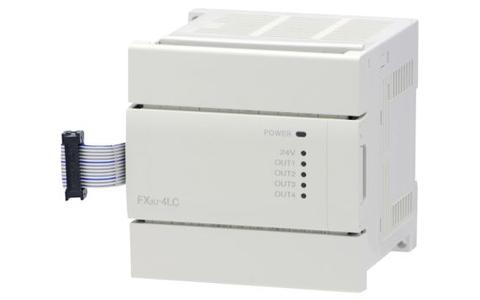
Mitsubishi PLC how to write hold circuit
Mitsubishi PLC has a very common circuit - a stick circuit. Persisting circuit means that when the external input switch is a button, it can adhere to the output by pressing the button through the per···
-
 202212-30
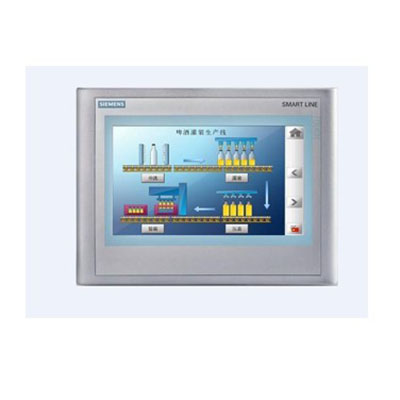
Siemens operating panel (HMI) order number complete
Siemens Operating Panel (HMI) order number complete - Siemens touch screen order number complete
-
 202410-16
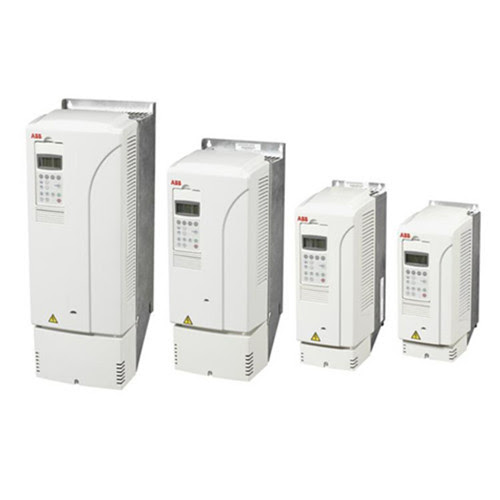
Enhance Efficiency with ABB Variable Frequency Drive
The key to enhancing plant performance lies in the variable frequency operation of ABB. You can rely on us.Main advantages of ABB variable frequency operation1.️ Energy efficiency reduces energy cost···
-
 202302-22
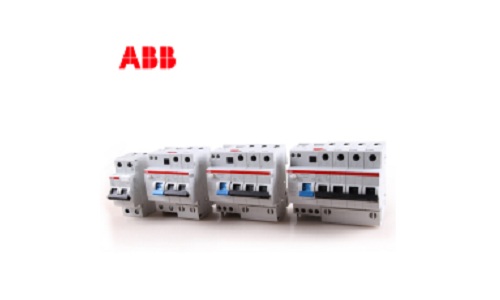
Principle of abb leakage switch
The operation principle of the leakage switch is: there are two groups on an iron core: An input current winding and an output current winding, when there is no leakage, input current and output curre···
-
 202212-30
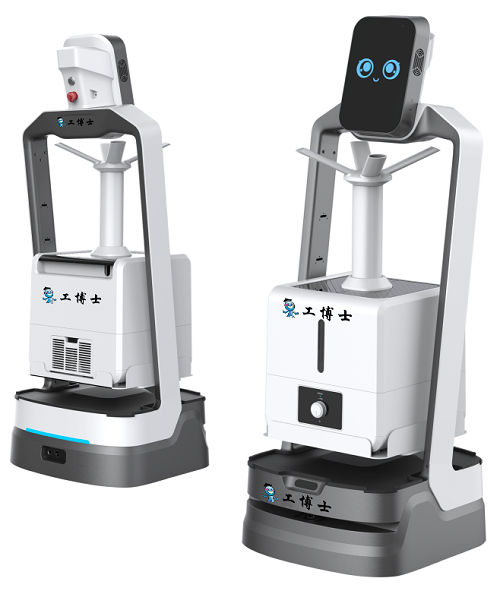
Gongboshi killing robot four advanced functions
The robot has four advanced functions: mask detection, explanation and reception, autonomous navigation and accurate obstacle avoidance, and cloud data management.The robot has the same voice interact···


 +8618621383628
 +8613811814778
 info@zhongpingtech.com
 Building 26, Liyuan Community, Chaoyang District, Beijing, China